Protecting your Stockholm business wireless network comes with challenges that go far beyond buying the right hardware. Attackers and misconfigurations threaten your confidential data, whether your employees work onsite or remotely. Many small and medium-sized companies struggle to keep up with evolving security standards and practical protection measures.

You need actionable solutions that address real threats without overwhelming your IT team. This list offers step-by-step methods proven by cybersecurity experts and backed by agency recommendations. You’ll discover how to use powerful encryption, segment your network for safety, manage devices efficiently, upgrade physical cabling, and tap into professional support—all tailored for Stockholm’s fast-moving business environment.

Ready to see which strategies can transform your network security and leave common vulnerabilities behind? Each tip comes with practical guidance you can implement right away, helping you protect sensitive information, maintain compliance, and keep your business running smoothly.

Table of Contents

Quick Summary

Takeaway Explanation
1. Implement WPA3 for Enhanced Security WPA3 provides stronger encryption and protects against modern attack methods, crucial for safeguarding sensitive business data.
2. Use VLAN Segmentation for Isolation VLAN segmentation keeps guest traffic separate from business systems, preventing unauthorised access to confidential information.
3. Centralise Management with Unifi Controller A centralised Unifi Controller handles configuration and updates uniformly, reducing errors and improving security across devices.
4. Upgrade Cabling to Cat6 or Higher Cabling using Cat6 standards significantly improves data transmission reliability and noise immunity, securing your network against interception.
5. Consider Network as a Service (NaaS) NaaS shifts network management to a provider, reducing overhead costs and allowing SMBs to focus on core functions without hardware concerns.

1. WPA3 Encryption for Maximum Wireless Security

WPA3 is the latest wireless security standard and represents a significant upgrade from WPA2. It provides stronger encryption and protection against modern attack methods that threaten your business network. For SMBs in Stockholm, deploying WPA3 means your staff can work securely whether they’re in the office or connecting remotely.

The core strength of WPA3 lies in its enhanced cryptographic protocols. WPA3’s Simultaneous Authentication of Equals (SAE) replaces the older handshake mechanism with one that resists offline dictionary attacks far more effectively. This means attackers cannot feasibly crack passwords by brute force, even if they capture network traffic.

128-bit AES encryption is the standard encryption method WPA3 uses across all connections. Compared to WPA2’s weaker alternatives, this provides exponentially stronger data protection for sensitive business information transmitted over your wireless network.

Why does this matter for your Stockholm-based business? Your employees handle customer data, financial records, and proprietary information daily. WPA3 protects that data from eavesdropping and interception when transmitted wirelessly.

WPA3 is recommended as the preferred protocol for enterprise wireless networks by the Cybersecurity and Infrastructure Security Agency (CISA), offering measurable advantages over previous standards.

Key benefits of WPA3 deployment include:

When implementing WPA3, you gain more than technical specifications. You gain compliance with modern security standards that clients and partners expect from professional businesses. Many organisations now audit their suppliers’ network security practices as standard procedure.

Pro tip: Enable WPA3 on all access points immediately, but configure WPA2 compatibility mode only if legacy devices absolutely require it. This hybrid approach maintains security for modern equipment whilst supporting older hardware until you can replace it.

2. VLAN Segmentation to Isolate Business and Guest Traffic

VLAN segmentation creates separate networks within your physical infrastructure, allowing you to isolate different types of traffic. Think of it as building internal walls in your network so guest users cannot access your confidential business systems. This simple technique provides robust protection against unauthorised access.

When a visitor connects to your guest WiFi, they exist on a completely different virtual network from your employees and servers. Your financial systems, customer databases, and proprietary files remain inaccessible to them regardless of their technical skill level. This isolation happens automatically through network configuration.

VLAN segmentation limits lateral movement of attacks significantly. If a guest network is compromised, attackers cannot easily jump to your business systems. Each VLAN acts as a barrier that requires explicit authentication to breach.

For SMBs, this means you can confidently offer guest WiFi without worrying about exposing sensitive operations. Your clients visit, your contractors work temporarily, and your own visitors can all connect without threatening your network’s integrity.

Network segmentation using VLANs is recognised as an essential layered security technique that prevents unauthorised lateral movement and provides better control over access to sensitive resources.

Implementing VLANs involves these practical steps:

Your IT infrastructure gains granular control over network access. You can restrict which departments access which resources, limit vendor access to specific systems, and isolate IoT devices that pose security risks.

Pro tip: When configuring VLANs, disable Dynamic Trunking Protocol immediately and implement DHCP snooping on all switches. These simple changes block common VLAN hopping attacks that could undermine your entire segmentation strategy.

3. Centralised Unifi Controller Management

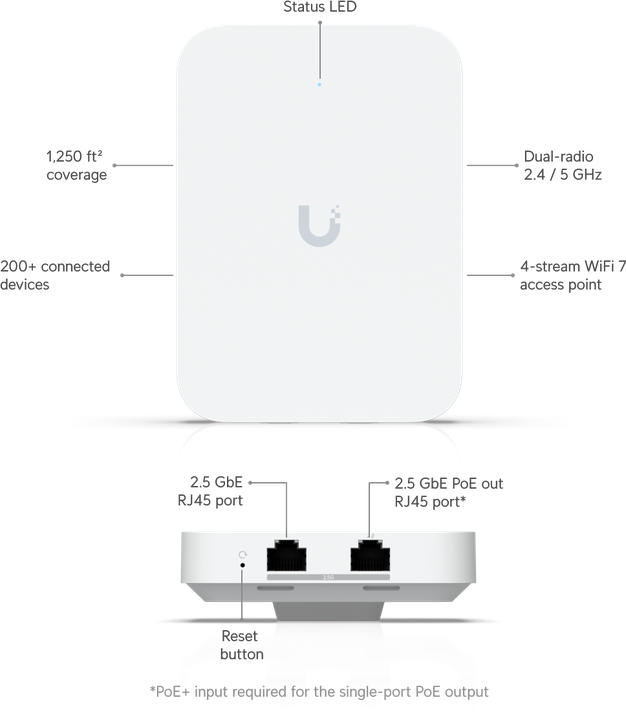
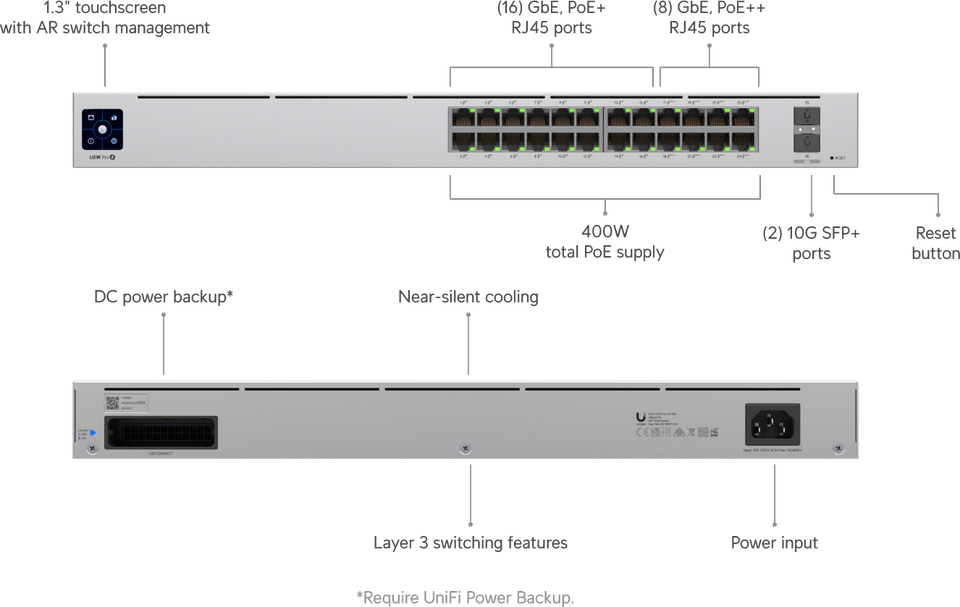
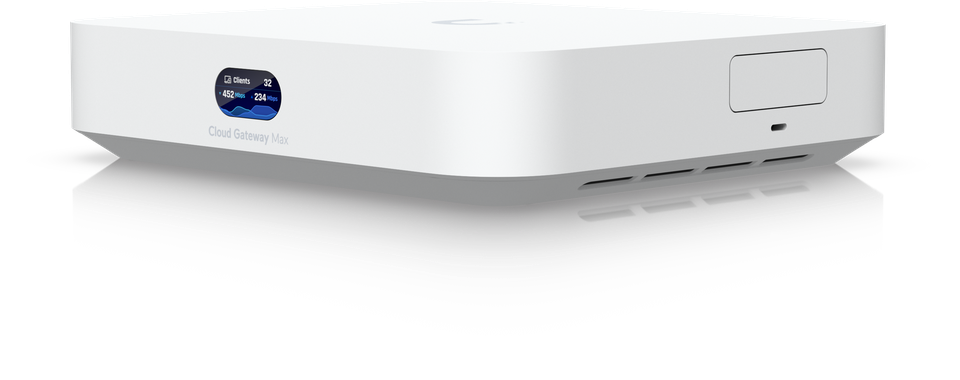
A centralised Unifi Controller is the command centre for your entire wireless network. Instead of managing each access point individually, you control everything from one platform, applying security policies uniformly across all devices. This approach transforms network management from tedious to efficient.

Imagine managing fifty access points scattered across your Stockholm office building. Without centralisation, you’d configure each one separately, risking inconsistencies and missed updates. The Unifi Controller eliminates this problem by providing a single interface for all your network devices.

Centralised management reduces configuration errors and enables timely updates across your entire infrastructure. When a security patch becomes available, you apply it once through the controller rather than manually updating dozens of devices. This consistency strengthens your security posture significantly.

The controller manages authentication centrally as well. Your employees log in once, and the system automatically assigns them appropriate access levels based on their role. Guest users stay isolated on separate network segments automatically. This automation reduces both security risks and administrative burden.

Centralised network management platforms enhance security through uniform policy application, simplified patching, and reduced human error across all connected devices.

Key advantages for your SMB include:

Maintaining your Unifi Controller requires attention to security updates. Unifi Controller versions prior to 7.5.187 contain improper access control issues that could expose configuration data to malicious actors. Always update to the latest secure version immediately when updates become available.

Your team gains unprecedented control over network behaviour. You can monitor which applications consume bandwidth, which users access what resources, and whether any suspicious activity occurs. This visibility alone prevents many security incidents before they escalate.

Pro tip: Set your Unifi Controller to automatically download and install security updates as soon as they’re released. This automated approach ensures you never lag behind on critical patches that protect your access points from known vulnerabilities.

4. Secure Network Cabling with Cat6 and Above

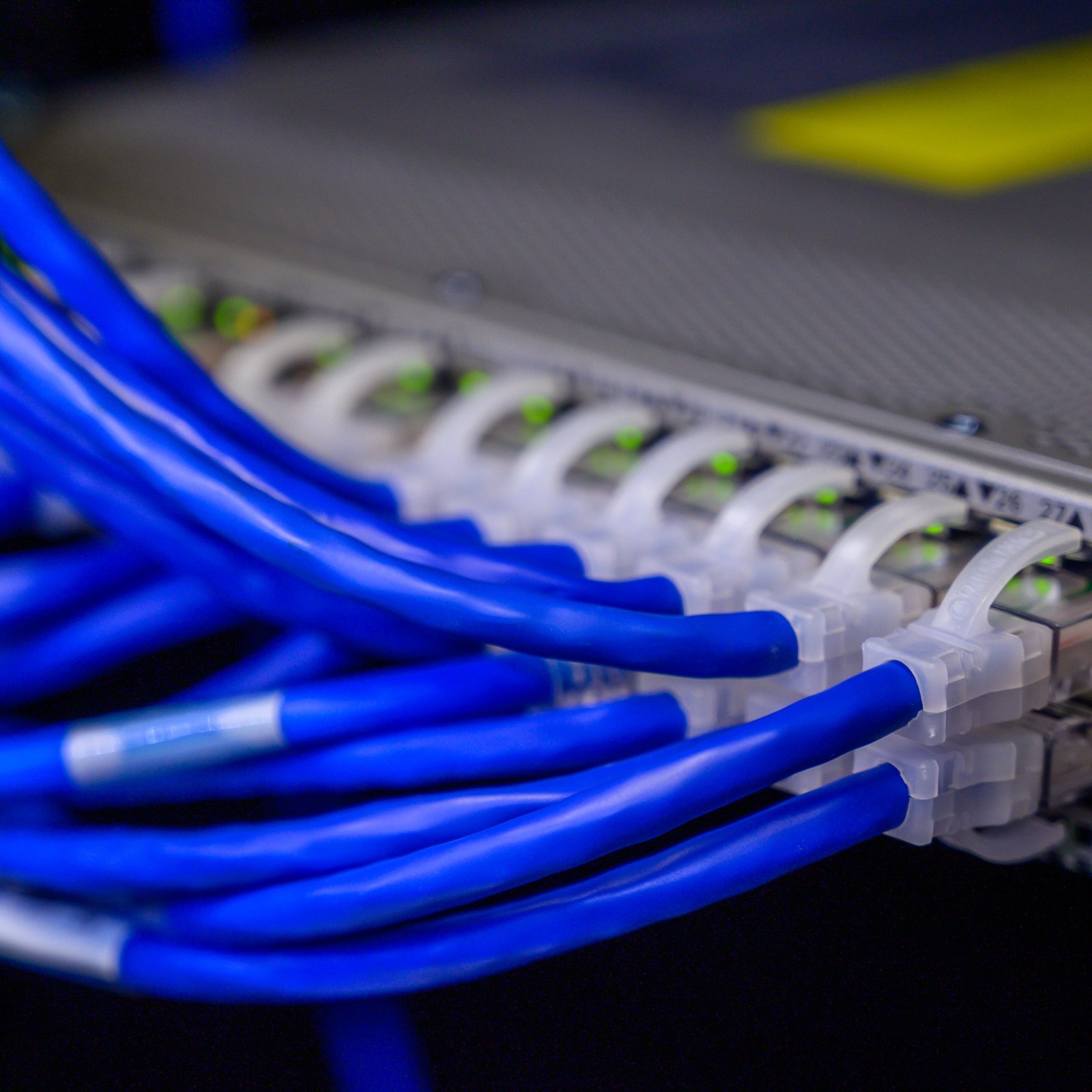
Your network cabling is the physical foundation of your security. Cat6 and higher standards provide improved noise immunity and higher bandwidth that protect your data from interception. Think of secure cabling as the pipes carrying your business information—using quality materials prevents leaks.

Cat5e cables became outdated years ago, yet many SMBs still use them. Cat6 cabling supports gigabit speeds reliably whilst rejecting electromagnetic interference that weakens signals. Cat6a and Cat7 push even further, offering future-proof performance as your business grows.

Why does cabling matter for security? Poor quality cables degrade signals, forcing access points to operate inefficiently. Attackers can exploit weak signal areas to intercept data. Proper cable installation with physical security controls prevents unauthorised access and wiretapping attempts that compromise your entire network.

Physical security of cabling prevents direct attacks. Cables routed through secure conduits, away from public areas, resist tampering. Documentation of cable runs allows you to identify and control access points quickly. This seemingly simple precaution blocks sophisticated attacks before they start.

Cat6 and higher cabling standards provide improved noise immunity and better support for encryption technologies, forming the secure backbone of enterprise and SMB networks.

Implementing secure cabling involves these practical steps:

Your Stockholm office benefits immediately from upgraded cabling. Faster, more reliable connections reduce frustration and improve productivity. More importantly, secure cabling eliminates a common attack vector that many SMBs overlook entirely.

Cat6 costs only marginally more than Cat5e but lasts fifteen to twenty years. This long lifespan makes the investment worthwhile for any business planning to occupy a location beyond five years.

Pro tip: When installing new cabling, always run extra conduit alongside your cables to accommodate future upgrades. This planning ahead prevents expensive wall repairs when you inevitably need additional cables in two or three years.

5. Implementing Network as a Service (NaaS)

Network as a Service (NaaS) shifts your network from a capital expense to a predictable monthly cost. Instead of purchasing expensive equipment and hiring dedicated staff, you pay a provider to manage everything. This model suits SMBs perfectly because it removes the burden of complex network administration.

Traditional networking requires significant upfront investment in hardware, software, and skilled personnel. You purchase access points, switches, and controllers knowing they’ll become obsolete in five to seven years. NaaS eliminates this cycle by transferring ownership and responsibility to a trusted provider.

NaaS reduces misconfiguration risks whilst allowing you to focus on core business functions. Your provider handles updates, security patches, monitoring, and troubleshooting automatically. You gain enterprise-grade network security without maintaining an IT department.

For Stockholm-based businesses with limited technical staff, NaaS provides immediate advantages. Your team gains time to focus on projects that directly generate revenue rather than spending hours managing network devices. The provider assumes responsibility for network performance and security.

NaaS enables SMBs to outsource complex network management to trusted providers, reducing administrative burden and misconfiguration risks whilst maintaining strong security controls.

Key benefits of NaaS implementation include:

NaaS works particularly well for businesses experiencing growth. Rather than purchasing additional hardware, you simply increase your service tier. Your provider handles all technical details whilst you focus on expansion.

Small teams without dedicated network specialists benefit most from this approach. You gain access to professionals with years of experience managing hundreds of networks. Their expertise protects you from common mistakes that internal teams might make.

Cost savings appear immediately when you eliminate hardware purchases and reduce staff requirements. Many businesses recover their investment within the first year through reduced capital expenses and operational efficiency.

Pro tip: When evaluating NaaS providers, request references from businesses similar to yours operating in Sweden. Ask specifically about their response times for incidents, their update schedules, and whether they offer service level agreements guaranteeing uptime.

6. Proactive Monitoring and Remote Support

Proactive monitoring catches problems before they disrupt your business. Rather than waiting for employees to report network issues, monitoring tools track performance continuously and alert you to potential threats. Remote support allows technicians to fix issues instantly without visiting your office.

Most network problems develop gradually. A switch overheating, packet loss increasing, or unauthorised access attempts occurring slowly often go unnoticed until they cause outages. Proactive monitoring detects these signals early when they’re easiest to fix.

Robust monitoring tools track remote user activity and ensure continuous oversight of access endpoints. This visibility protects your distributed workforce whether employees work from home or travel across Sweden. You gain complete visibility into who accesses what, when they access it, and from where.

Remote support transforms incident response. When a problem occurs, your support provider accesses affected devices instantly and diagnoses issues without delays. This speed reduces downtime significantly, protecting productivity and customer service quality.

Proactive monitoring and continuous oversight of network endpoints detect and mitigate cyber threats targeting remote workers, enhancing overall security for distributed workforces.

Critical monitoring capabilities include:

Remote support eliminates geographical constraints. An employee in Stockholm with a network problem receives assistance immediately from a technician in any location. No waiting for someone to travel to the office saves hours of lost productivity.

Monitoring also provides crucial compliance documentation. When auditors ask for evidence of your security practices, you can demonstrate continuous oversight through detailed logs and reports. This documentation protects your business legally whilst proving your commitment to security.

Alert thresholds matter significantly. Set them too high and you’ll miss real problems. Set them too low and you’ll receive constant false alarms. Professional monitoring services tune thresholds based on your specific network behaviour and business requirements.

Pro tip: Ensure your remote support provider can access devices without requiring employee intervention during incidents. Requiring users to grant access delays troubleshooting significantly when they’re already frustrated by network problems.

Below is a comprehensive table summarising the main strategies, implementations, and benefits discussed throughout the article regarding wireless network security advancements and best practices for SMBs.

Topic Description Benefits
WPA3 Encryption The latest wireless security standard offering stronger encryption and resistance against modern attacks. Implements Simultaneous Authentication of Equals (SAE) for secure connections. Protects against brute force attacks and ensures data security during transmission.
VLAN Segmentation Creation of isolated virtual networks within the infrastructure to differentiate guest and business traffic. Prevents unauthorised access to confidential data; limits lateral attack movement.
Centralised Unifi Controller A management platform for streamlined wireless network control and uniform security policy application. Reduces operational errors, facilitates updates, and automates authentication.
Secure Network Cabling Usage of Cat6 or higher cables for robust physical network support. Enhances noise immunity and supports higher bandwidths. Provides secure data transmission channels and eliminates potential tampering risks.
Network as a Service (NaaS) Outsourcing network management to professional providers for scalable, cost-effective solutions. Removes administrative burden, ensures consistent security updates, and saves costs.
Proactive Monitoring Tools for continuous network performance and security oversight paired with remote support access. Improves incident response time, ensures compliance, and maintains uninterrupted operations.

Secure Your Business Network with Expert Ubiquiti Unifi Solutions

The challenges highlighted in “6 Essential Types of Secure WiFi Solutions for SMBs” such as deploying WPA3 encryption, VLAN segmentation, centralised management, and secure cabling are precisely what we specialise in at natverkstekniker.se. Whether you are a private individual or a company in Stockholm, our professional network installations using Ubiquiti Unifi offer robust, future-proof security and seamless scalability that directly address these key pain points.

https://natverkstekniker.se

Take command of your wireless and wired network infrastructure today with our tailored Ubiquiti Unifi services including installation, VLAN configuration, and centralised controller management alongside expert Cat6/Cat7 cabling solutions. Don’t let insecure WiFi or outdated cabling compromise your data safety or business continuity. Act now to safeguard your digital environment by contacting us or simply Boka Tid to schedule an expert consultation.

Contact us directly:
08 400 117 26 kontakt@natverkstekniker.se

Explore how our comprehensive services can transform your network security at natverkstekniker.se and experience peace of mind with professionally installed, optimised Unifi systems.

Frequently Asked Questions

What is WPA3 encryption and why is it important for my business network?

WPA3 encryption is the latest wireless security standard that offers stronger encryption and protection against modern cyber threats. Implement WPA3 on all access points to secure your network and safeguard sensitive data from eavesdropping and interception.

How can VLAN segmentation enhance my network security?

VLAN segmentation isolates different types of network traffic, preventing unauthorised access to sensitive business systems from guest users. Set up dedicated guest VLANs to ensure that customer and contractor connections do not interfere with your internal network resources.

What advantages does a centralised Unifi Controller provide for managing my network?

A centralised Unifi Controller allows you to manage all access points from a single platform, reducing configuration errors and enhancing security through uniform policy application. Implement a centralised management system to simplify updates and improve overall network visibility.

Why should I upgrade my cabling to Cat6 or higher standards?

Upgrading to Cat6 or higher cabling provides improved noise immunity and higher bandwidth, essential for securing your data from interception. Replace outdated Cat5e cabling to enhance the performance and security of your office network.

How does Network as a Service (NaaS) benefit small and medium businesses?

Network as a Service (NaaS) transforms your networking expenses into predictable monthly costs, allowing you to outsource complex management tasks. Consider adopting NaaS to reduce your IT burden and focus on core business activities while ensuring network security is maintained.

What are the key features of proactive monitoring and remote support for network management?

Proactive monitoring continuously tracks network performance and alerts you to potential issues before they disrupt operations, while remote support enables technicians to resolve issues without needing to visit your office. Implement these tools to improve your incident response and maintain high productivity levels.